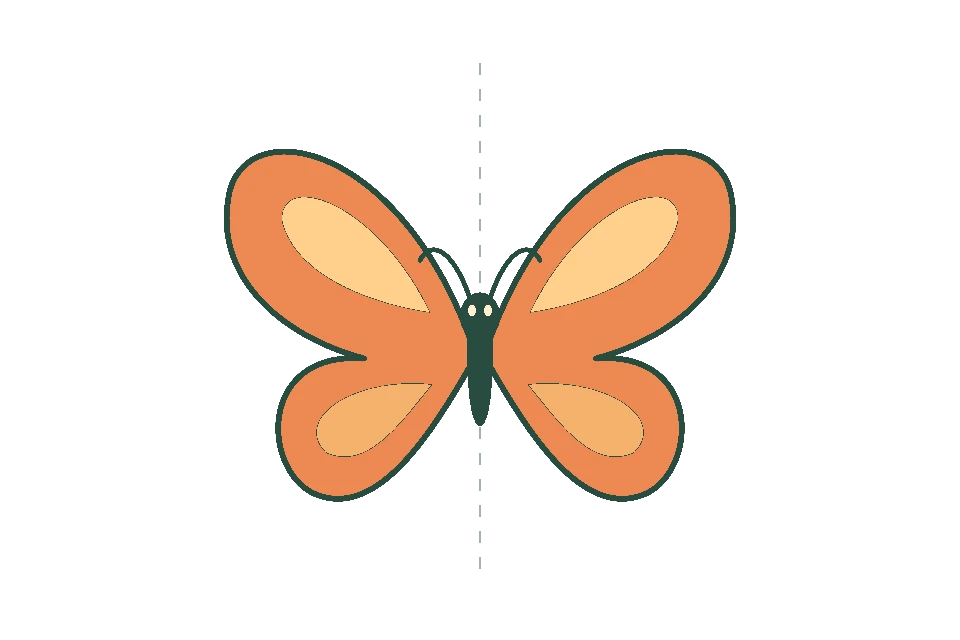
Draw both sides at once.
Draw one side of a face or pattern and let symmetry mirror the other. Move or rotate the mirror line to suit your drawing.
 FlikaMove
Draw your first 2D animation, one frame at a time. Preview as you go, adjust the timing, and add sound in FlikaMove.

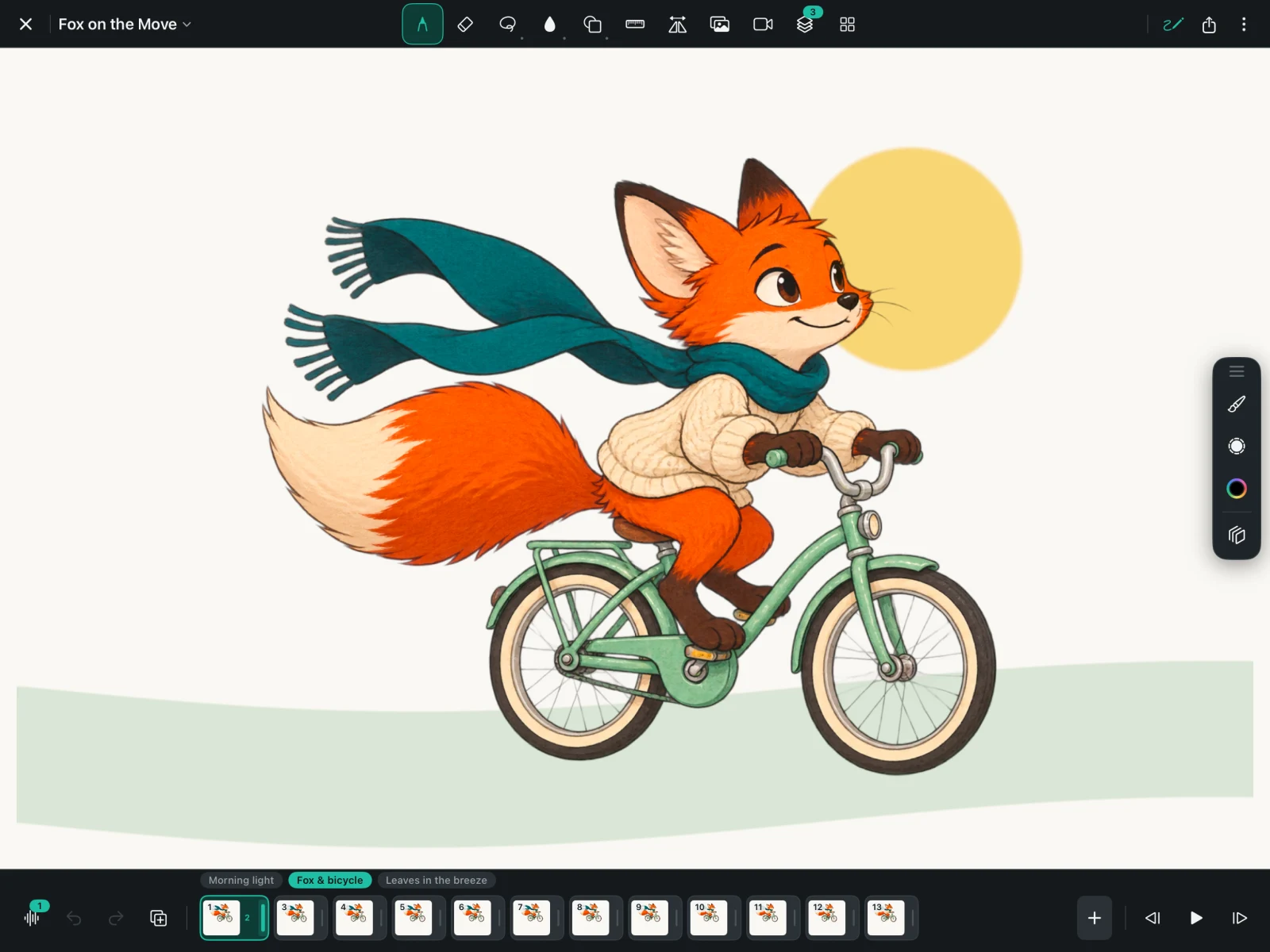
Use your finger or Apple Pencil. Start with a doodle, a face, or a simple shape.
Add a frame. Onion skin shows a faint view of your previous drawing to help you place the next one.
See the movement, adjust the timing, and export a movie or GIF to share.
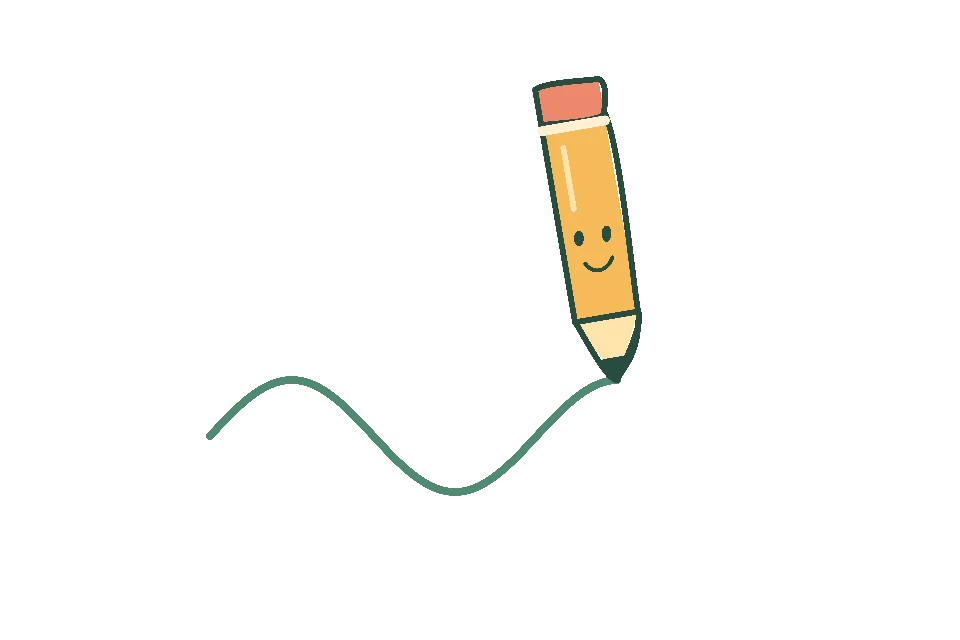
Focus on your drawing with a spacious canvas and the tools close at hand. Switch between drawing and animation as you work.
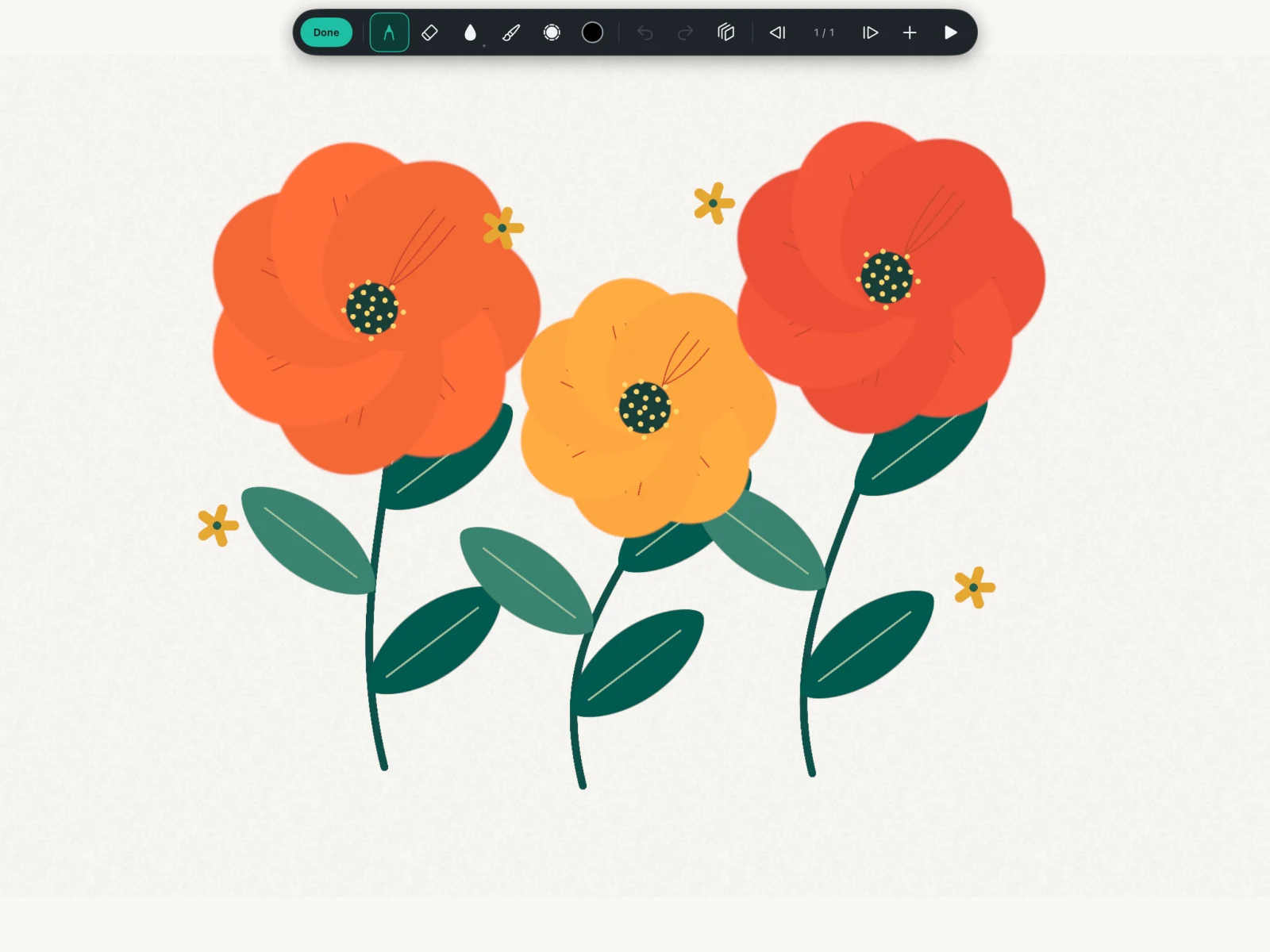
Draw one side of a face or pattern and let symmetry mirror the other. Move or rotate the mirror line to suit your drawing.
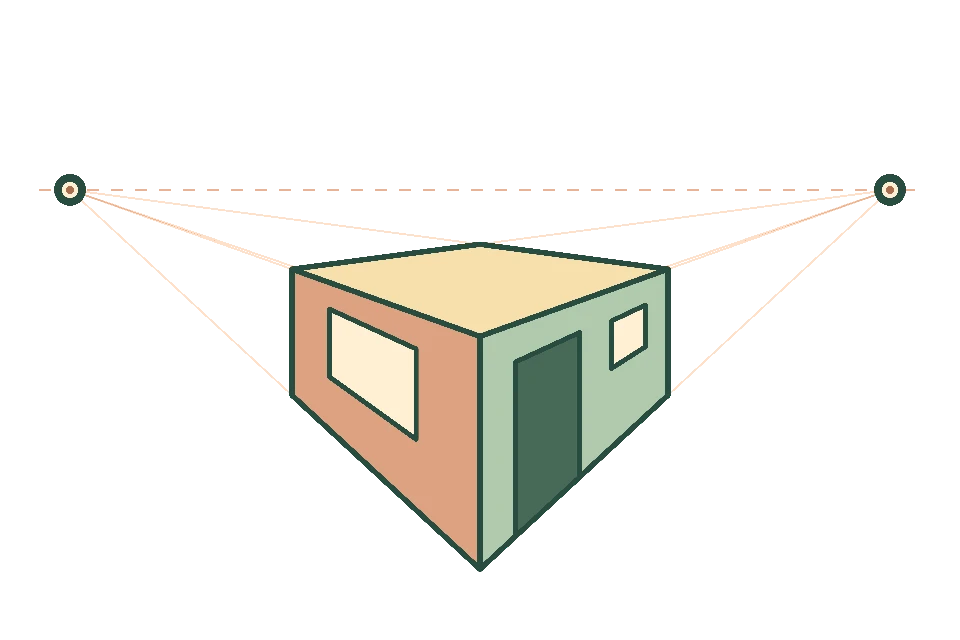
Keep buildings, rooms, and streets in perspective with guides you can position on the canvas. Use a horizon line and up to four vanishing points.
Use the ruler for straight strokes and turn on a grid to help lay out your drawing.
Reuse a drawing across frames, change a character’s pose, and let tweening fill the movement between poses.
Save a selection to your personal symbol library. Reuse your artwork across frames and projects, then move, resize, or rotate it on the canvas.
Connect joints to rig a drawing and save it as a Smart Symbol. Drag joints to pose it, or lock a joint to keep it in place.
Set a symbol on an earlier frame and a later one. Tweening fills the movement between them, including the joint poses of Smart Symbols.
Follow a character or move closer to a detail with camera keys. Add camera motion to an existing scene without redrawing the background.

Record dialogue, bring in music, and line up sound effects with your drawings.
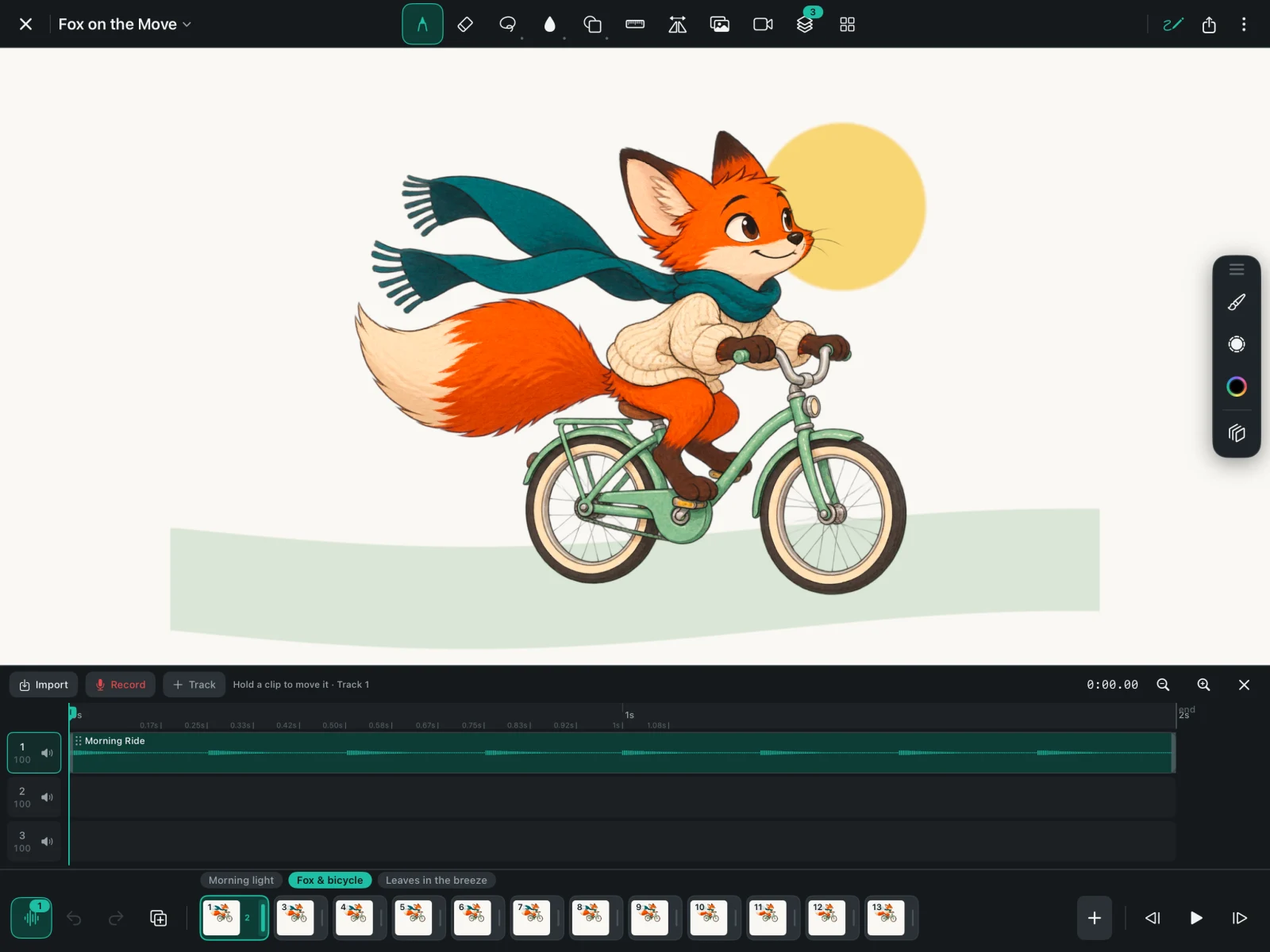
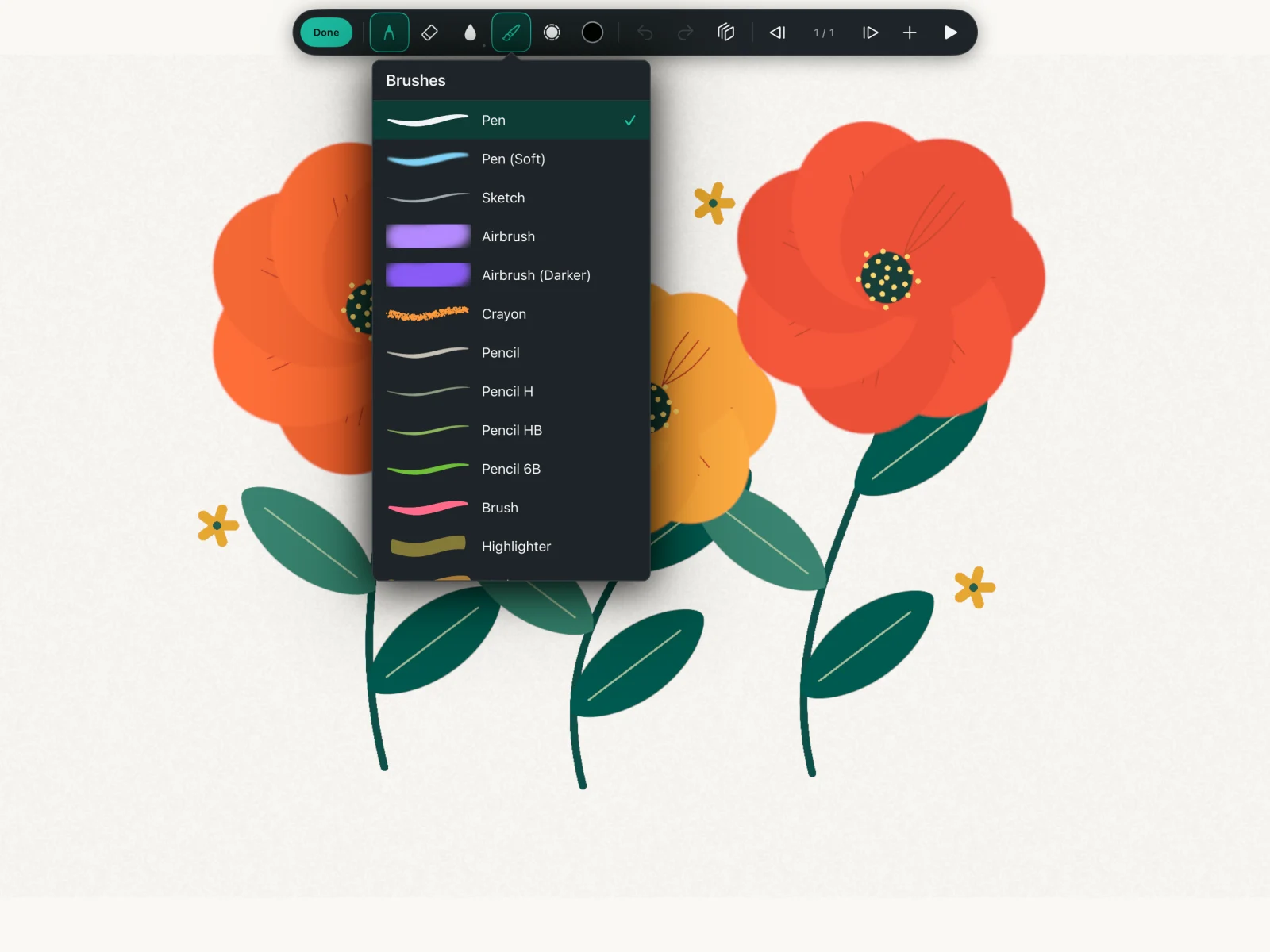
Choose the brush that suits your drawing. Draw with pencils and pens, then add shapes and fill to finish your artwork.
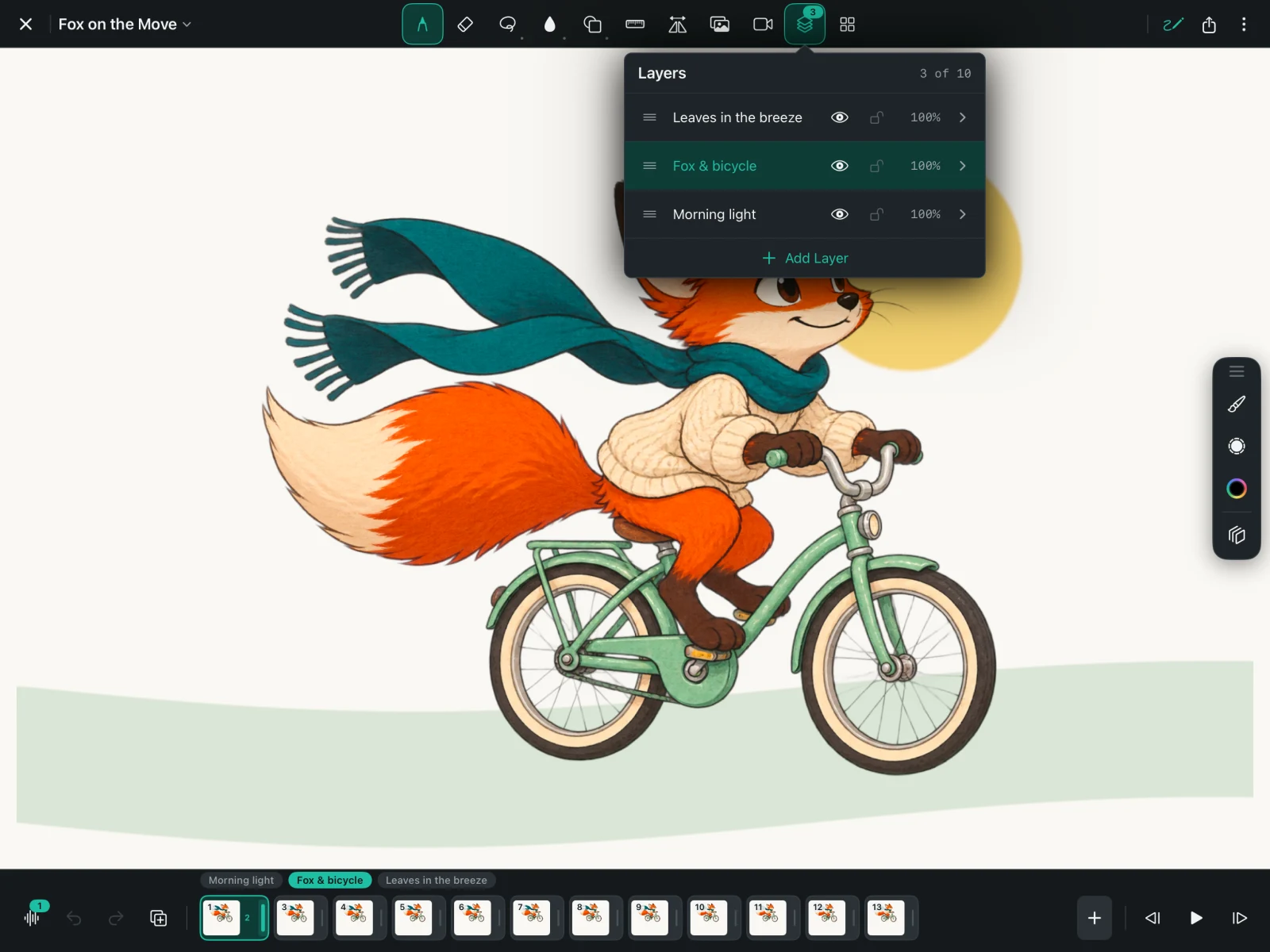
Keep characters and backgrounds on separate layers so you can change one without redrawing the other.
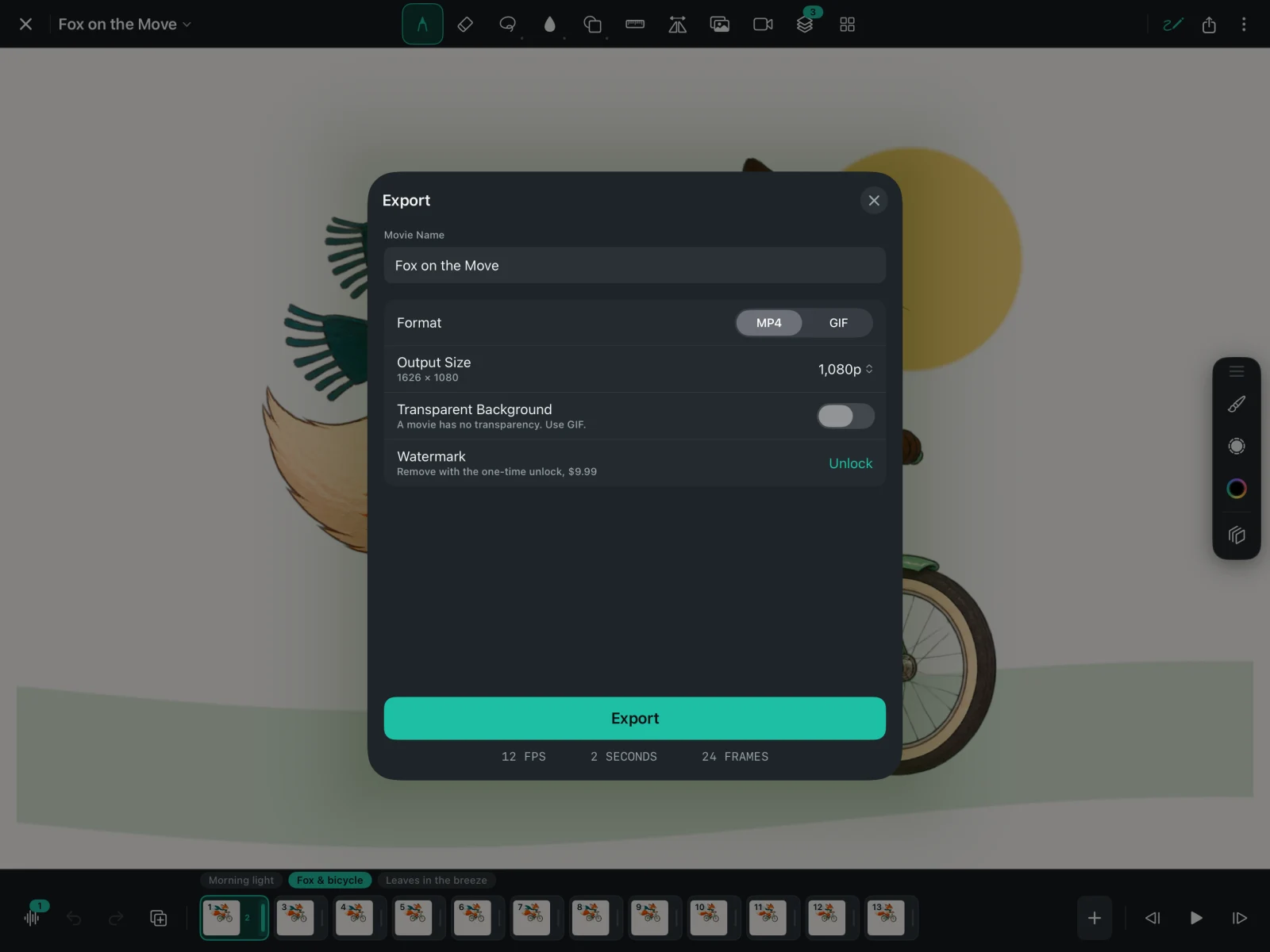
Export your animation as an MP4 movie or a looping GIF, ready to share.
FlikaMove is a drawing and frame-by-frame 2D animation app. Draw with Apple Pencil or your finger, preview your frames, add sound, and export an MP4 movie or GIF. It has no ads and requires no FlikaMove account.
Yes. Choose FlikaMove for frame-by-frame animation with no ads, no account, and drawing, audio, and character tools included. Compare FlikaMove with FlipaClip.
Yes. FlikaMove lets you import audio or record with your microphone, then move and trim clips to line up with your animation. You can adjust volume and mute individual clips or tracks.
Yes. Save drawings as symbols to reuse them. Rig a character with joints and save it as a Smart Symbol, then set poses on different frames. Tweening fills the movement between those poses.
Yes. FlikaMove supports MP4 movies and looping GIFs. Export limits and the optional unlock are explained in the pricing answer below.
Drawing, animation, sound, and character tools are free. Free MP4 and GIF exports include a watermark and support sizes up to 1080p. An optional $9.99 USD lifetime purchase removes watermarks and enables larger exports, up to 4K where your canvas supports it. There is no subscription. The App Store displays your local price before purchase.
Start with a drawing, add another frame, and press play. Onion skin shows the previous drawing to help you place the next one. You can explore rigging, symbols, and tweening when you want to try more.
Apple Pencil is optional; you can draw with your finger. No FlikaMove account is required. Purchases and restores use your Apple Account.